

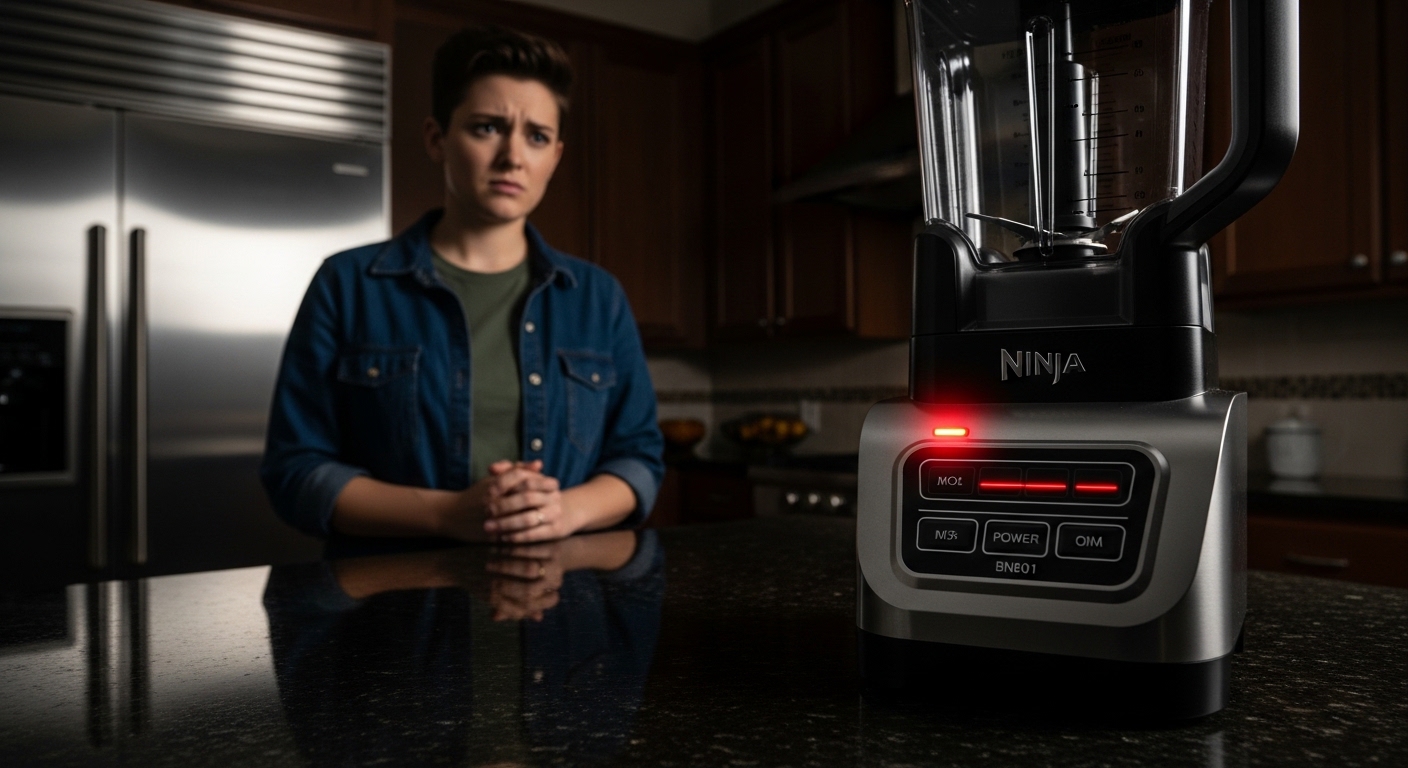
Why is my ninja blender blinking red again when you just wanted a quick smoothie and now it’s basically staring back at you like it’s judging your life choices? That little flashing light can feel oddly personal, like the machine has decided to go on strike without explaining itself properly. You’re not alone in that confusion, it happens way more often than people admit, and honestly most folks just unplug it and try again hoping it magically behaves.
A blinking red light on a Ninja blender usually isn’t some random glitch. It’s more like a built-in warning language the machine uses when something in the setup feels “not right” internally. And yeah, it can be frustrating because it rarely tells you exactly what’s wrong in plain words.
What the blinking red light on Ninja blender actually means
When your Ninja blender starts blinking red, it’s basically refusing to run because one of its safety conditions hasn’t been met. Most modern models from Ninja are designed with multiple interlocks, meaning they won’t operate unless everything is locked, aligned, and safe.
This is not just marketing fluff, it’s a real safety feature. Consumer appliance safety standards in the U.S. (like UL certification requirements) encourage manufacturers to design blenders that stop the motor if the lid is loose or if the container isn’t seated correctly. So the blinking red light is actually the machine saying, “I’m not risking spinning this blade unless I’m sure everything is fine.”
But of course, when you’re late for work and just want your protein shake, it feels more like betrayal.
Common reasons your Ninja blender is blinking red
There are a few usual suspects behind this issue. And weirdly enough, most of them are not serious faults but simple alignment or overload issues.
Here’s what’s typically going on:
- Lid not locked properly
- Pitcher not seated correctly on the base
- Overfilled container causing strain
- Motor overheated from repeated use
- Blade assembly not fully clicked in place
- Power fluctuation or unstable socket connection
Sometimes it’s just one tiny thing, like a slightly tilted jar, that triggers the whole system to refuse operation. It’s a bit dramatic, but also kind of protective.
The safety lock system is stricter than you think
One thing many users don’t realize is that Ninja blenders don’t just check if the lid is “on.” They check if it’s locked in a very specific rotational alignment. Even a few millimeters off can trigger the red blinking light.
Inside the base, there are small sensors that detect pressure and positioning. If the jar isn’t perfectly aligned, the motor circuit simply won’t activate. This is intentional. High-speed blades in Ninja systems can rotate at tens of thousands of RPM, which is powerful enough to cause damage if something is loose.
So yeah, it’s not being stubborn for no reason. It’s actually preventing a very real risk.
Overheating: the silent cause nobody suspects
Another big reason behind why is my ninja blender blinking red is overheating, and this one sneaks up on people.
If you’ve been blending thick mixtures like frozen fruit, peanut butter, or ice-heavy smoothies, the motor heats up quickly. Ninja blenders include thermal protection that shuts things down before damage happens.
A typical consumer blender motor can run anywhere between 800 to 1500 watts depending on model. That’s a lot of energy in a compact space. When the internal temperature crosses a threshold, the system pauses and signals an error through blinking red light.
You might notice:
- It worked fine for 30–60 seconds
- Then suddenly stopped
- And now only blinks red when you try again
That’s classic thermal protection mode.
Usually, letting it rest for 15–25 minutes cools it down enough to restart normally.
Overloading the jar is more common than you think
People often pack their blender like it’s a suitcase before a long trip. Too full, tightly packed, and hoping it’ll just “handle it.”
But Ninja systems are designed with load sensitivity. If the blades can’t rotate freely due to density or volume, the motor resistance increases, triggering a shutdown.
Here’s a simple breakdown:
| Situation | Result |
|---|---|
| Too many frozen cubes | Motor strain + red blinking |
| Thick nut butter batch | Overload detection |
| No liquid added | Blade jam warning |
| Uneven ingredient placement | Imbalance trigger |
A small trick: always add liquid first, even a little. It reduces friction and helps prevent that blinking red light drama.
Power issues that feel unrelated but aren’t
Sometimes the blender itself is fine, but the electricity feeding it is unstable. Loose sockets, extension cords, or voltage drops can confuse the system.
In many homes, especially where multiple heavy appliances run on the same circuit, voltage can dip temporarily. The blender interprets this as instability and triggers safety mode.
You might not notice anything else flickering, but the blender definitely feels it.
A slightly annoying truth: plugging it directly into a wall socket instead of an extension board solves this more often than people expect.
Step-by-step troubleshooting that actually works
If you’re stuck in that loop of “why is my ninja blender blinking red and refusing to start,” here’s a simple reset method that usually fixes it:
- Unplug the blender completely
- Remove the jar from the base
- Check lid alignment carefully
- Make sure blade assembly is tightened properly
- Let the motor base rest for 10–20 minutes
- Reassemble everything slowly and precisely
- Plug directly into wall socket
- Try again with lighter load first
It sounds basic, almost too basic, but honestly most cases get solved right here.
Quick diagnostic table for faster understanding
| Symptom | Likely cause | Fix |
|---|---|---|
| Immediate red blinking | Lid not locked | Re-seat lid properly |
| Blinks after heavy use | Overheating | Let it cool down |
| Blinks with no load | Power issue | Check socket |
| Blinks during blending | Overload | Reduce ingredients |
| Random blinking | Misalignment | Reassemble carefully |
Small mistakes that trigger big confusion
A lot of users don’t realize how sensitive these machines are. Even a slightly wet base connection or a grain of food stuck under the jar can break the contact seal.
Also, pushing the lid down too hard sometimes backfires. It may actually prevent proper locking instead of helping it.
There’s also a funny pattern people report: they fix it, it works once, then the next day it blinks again. That usually means the root cause wasn’t fully resolved, just temporarily bypassed.
Preventing the red blinking light in future use
Once you understand the system, avoiding the issue becomes pretty easy. A few habits help a lot:
- Don’t overfill beyond max line
- Always add liquid before solids
- Clean the base connectors gently
- Avoid continuous long blending cycles
- Let motor rest between heavy blends
- Ensure lid clicks firmly, not loosely
Ninja even designs many of their newer models with “intelligent blade recognition,” meaning they expect perfect alignment every time. It’s strict, but it keeps the motor safe for long-term use.
When it might actually be a real fault
Most blinking red issues are not hardware failure, but there are rare cases where something deeper is wrong.
You might be dealing with a real fault if:
- It blinks even when empty and properly assembled
- Resetting doesn’t work at all
- There’s a burning smell from motor base
- It stops working mid-cycle repeatedly
In such cases, internal sensors or motor control boards could be damaged. Repair centers usually check circuit continuity and thermal sensor response.
Final thoughts on the blinking red mystery
So when you’re sitting there wondering again why is my ninja blender blinking red, it’s usually not the blender being broken or moody. It’s more like a very strict safety guard doing its job a bit too seriously.
Most of the time it comes down to alignment, overload, or heat buildup. And once you get used to its “personality,” it becomes less annoying and more predictable.
Still, I won’t lie, it does feel a bit rude when you’re just trying to make a smoothie and your appliance decides to blink at you like it knows better.

Jamesmathew is an expert Amazon affiliate writer, helping readers discover top products, smart deals, and practical buying guides through honest reviews and insightful content.