

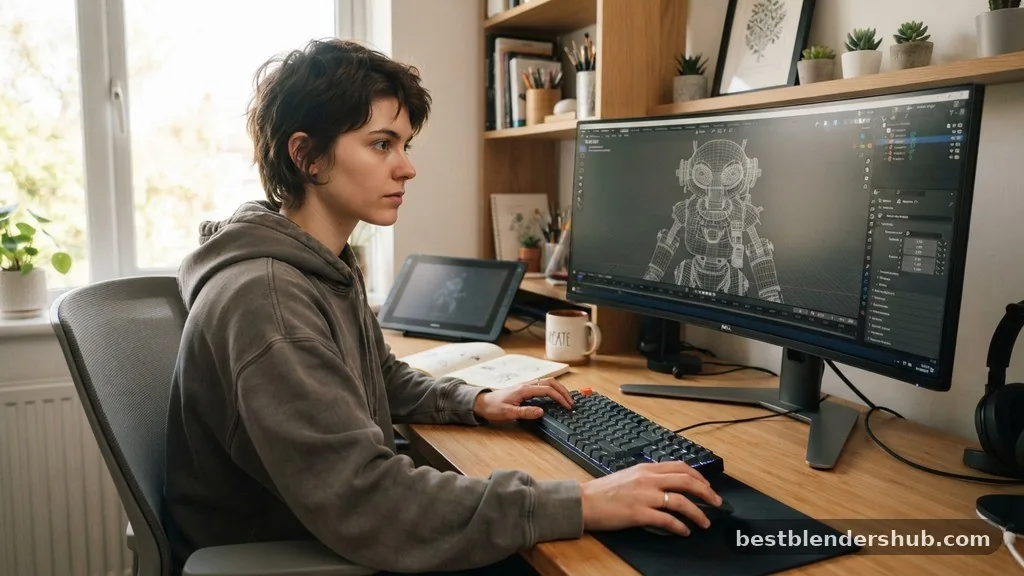
Figuring out how long does it take to learn Blender depends heavily on your background in digital art and your specific goals within the software. While some enthusiasts pick up the basics in a few weeks, reaching a professional level of proficiency often requires months or even years of consistent practice.
Because Blender is such an expansive suite, your progress will likely be non-linear, with sudden breakthroughs followed by periods of refinement. By understanding the core components of the software and setting achievable milestones, you can manage your expectations and avoid common burnout traps that often plague beginners when they first open the application.
The Initial Learning Curve and Interface Mastery
The primary hurdle for most newcomers is simply getting comfortable with the viewport navigation and the sheer number of buttons on the screen. You can expect to spend the first 20 to 40 hours just learning where tools reside and how to manipulate objects in 3D space.
Developing Muscle Memory
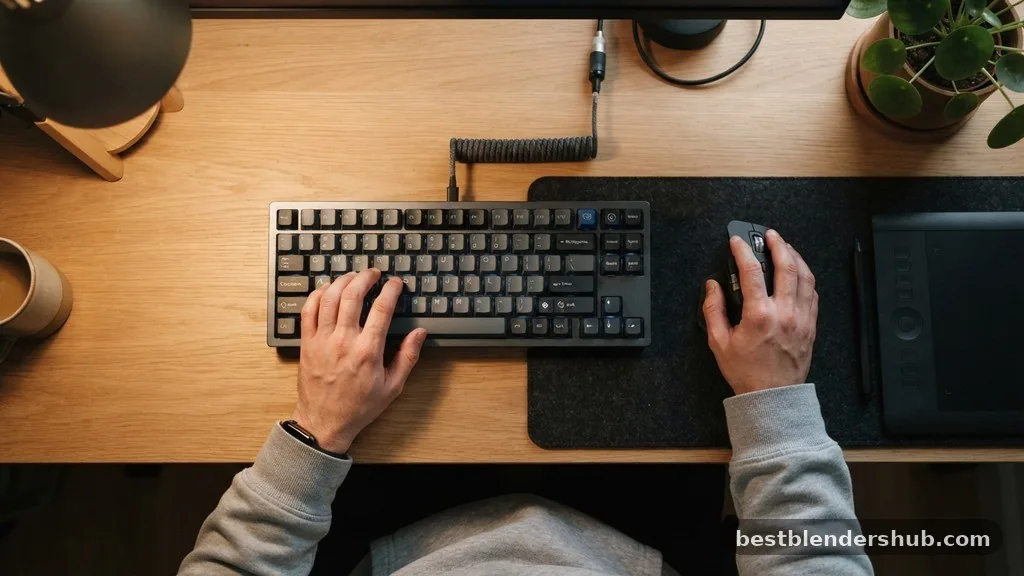
Success in 3D software relies on keyboard shortcuts rather than clicking through endless menus. If you dedicate one hour a day to learning navigation, transformation, and object selection, you will feel competent within a month. Do not rush this phase, as your efficiency later depends entirely on how well you handle the interface today.
Understanding the 3D Workspace
Blender utilizes a polygon mesh system as its core building block. You will spend significant time learning how to extrude, bevel, and loop-cut these meshes to form complex shapes. Mastering these fundamental modeling tasks typically takes another 50 hours of active project work.
Key Milestones in the Blender Learning Journey
Progress isn’t uniform, so it helps to break your development into logical phases. Most users find that their speed increases once they move past the “what does this button do” stage and into the “how do I achieve this look” stage.
- Phase 1: Interface and basic mesh manipulation (40-60 hours)
- Phase 2: Texturing, shading, and basic lighting (60-80 hours)
- Phase 3: Intermediate sculpting and modifiers (80-120 hours)
- Phase 4: Animation, rigging, and rendering (150+ hours)
The Role of External Resources
Many beginners accelerate their growth by following structured curricula, such as the famous tutorials by Blender Guru. These resources provide a guided path that prevents you from getting lost in the software’s deep settings. Following a project-based approach is almost always faster than trying to learn every tool in isolation.
Differentiating Between Skill Sets
Learning how to render a simple cube is vastly different from producing a feature-length animation. Your focus will dictate the time investment required to reach a level of comfort.
| Skill Area | Estimated Time to Competence | Primary Focus |
|---|---|---|
| Hard Surface Modeling | 3-6 Months | Topology and precision |
| Character Sculpting | 6-12 Months | Anatomy and sculpt mode |
| Environment Design | 4-8 Months | Composition and texturing and shading |
| Motion Graphics | 3-5 Months | Keyframe animation and effects |
Technical Depth: Rendering and Compositing
Once you have a model, you must bring it to life using a rendering engine. Blender offers two primary options: Cycles for path-traced realism and Eevee for real-time performance. Learning the nuances of these engines is a major time sink because it involves understanding light, materials, and complex node-based compositing.
Mastering Materials and Nodes
You will eventually need to understand how light interacts with surfaces. This involves UV unwrapping, which is the process of flattening a 3D model onto a 2D plane to apply textures. Many students find this the most tedious part of the digital art workflow, but it is essential for professional-grade results.
The Power of Compositing
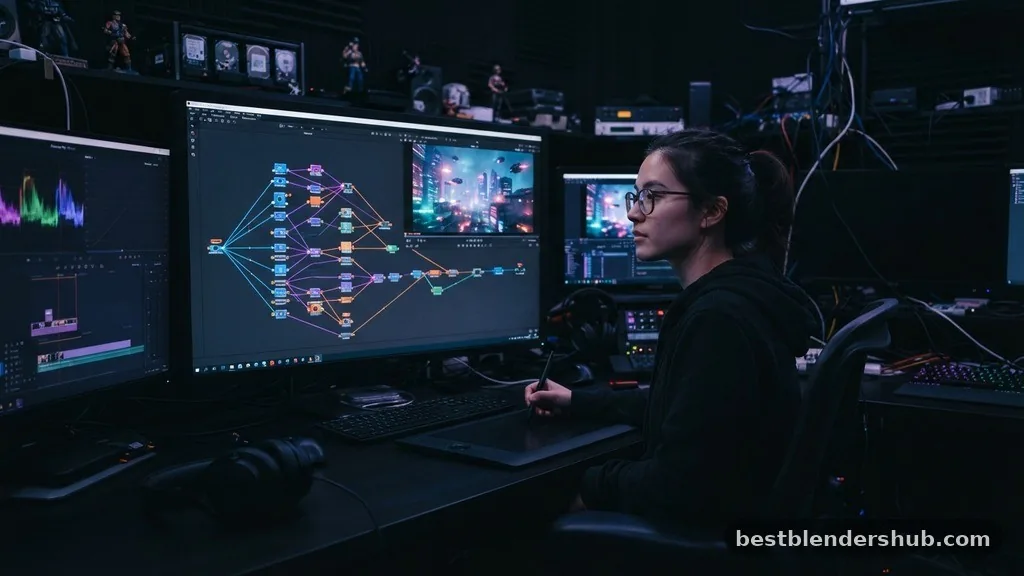
After the render finishes, you often need to adjust colors, add glows, or fix lighting issues. Blender’s built-in compositor allows you to do this without leaving the software. Integrating this into your pipeline will add another 30 to 50 hours of study to your overall timeline.
Addressing Topical Gaps: Why Some People Learn Faster
You might wonder why some users report learning the software in weeks while others take years. The difference usually comes down to prior experience with 2D design, CAD software, or traditional sculpture. If you already understand concepts like layers, opacity, and spatial reasoning, you will find the transition into 3D significantly smoother.
Prior Technical Background
Experience with software like Photoshop or AutoCAD provides a massive head start. You already understand the concept of a workspace, toolbars, and non-destructive editing. If you are starting from zero, expect to spend more time on the foundational logic of computer graphics.
The Impact of Consistent Practice
Studying for five hours on a Saturday is rarely as effective as practicing for 45 minutes every day. The human brain retains technical skills better through spaced repetition. If you maintain a daily rhythm, you can expect to reach a “comfortable” level of proficiency in roughly six months of consistent effort.
Advanced Specializations
Blender is not just for static 3D models. It includes specialized tools like Grease Pencil, which allows for 2D animation within a 3D space, and advanced rigging systems that allow characters to move naturally. These areas represent “deep work” territory.
Rigging and Animation
If your goal is to animate, you must learn how to build a digital “skeleton” for your objects. This is a highly technical discipline that involves weight painting and inverse kinematics. You should not expect to master this in your first year; it is an iterative process that improves with every character you build.
Sculpting for Realism
For those interested in organic modeling, sculpt mode is the primary tool. It functions much like digital clay. Mastery here is less about the software and more about your understanding of anatomy and form. This is a lifelong skill that sits on top of your Blender technical knowledge.
Conclusion
Determining how long does it take to learn Blender is not about finding a magic number, but rather about understanding the commitment required for your specific creative path. While you can grasp the basics and create your first render within a week, true proficiency is a long-term endeavor that evolves alongside your artistic style. Remember that even experts continue to learn new features as the software updates.
By focusing on small, iterative projects and staying consistent with your daily practice, you will find that the time spent is well worth the creative freedom you gain. If you are ready to start, pick one small object to model today and let your curiosity guide the rest of your journey.
Is Blender difficult to learn?
Blender has a steep learning curve, but it is manageable with consistent practice and high-quality tutorials.
How quickly can I learn Blender?
You can learn the basics in a few weeks, but reaching professional proficiency usually takes several months.
Can I learn Blender in 1 year?
Yes, one year of consistent daily practice is enough to become highly proficient in most Blender features.
Can I learn Blender in 2 days?
You can learn to navigate the interface and make simple shapes, but you cannot master the software.
Is Blender harder than Maya or 3ds Max?
Blender is often considered more accessible for beginners, though all professional 3D software has significant complexity.
Does prior art experience help with Blender?
Yes, understanding traditional art, 2D software, or spatial logic significantly reduces your time to initial proficiency.
What is the best way to start learning Blender?
Following a structured, project-based tutorial series is the most effective way to learn the entire workflow.

Jamesmathew is an expert Amazon affiliate writer, helping readers discover top products, smart deals, and practical buying guides through honest reviews and insightful content.