

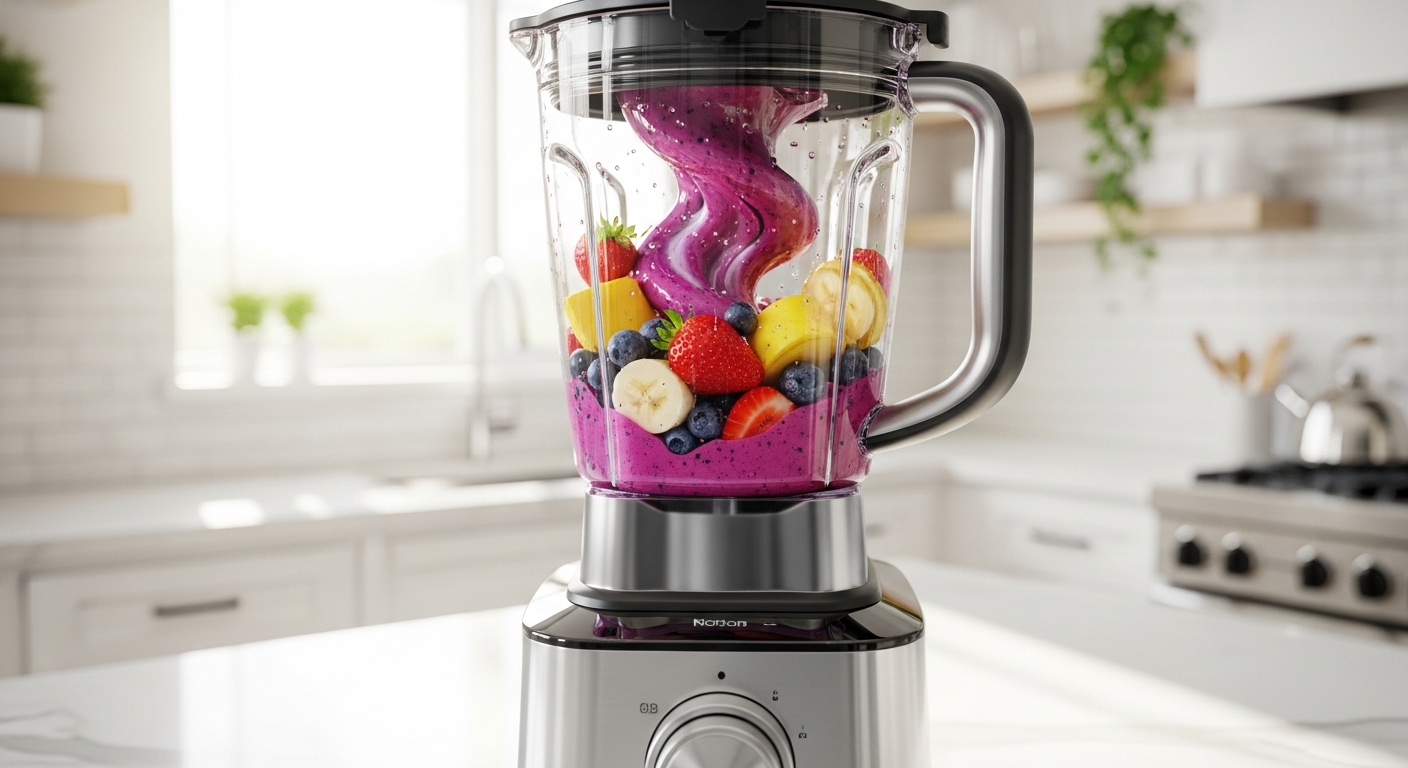
You’ve probably typed “what is blender” at some odd hour when you just needed a quick answer, but then things got weirdly complicated real fast, didn’t they. Like, one second you just wanna know if it’s for smoothies or something, and next second people are talking about 3D animation, rendering engines, and stuff that sounds like it belongs in a sci-fi movie. So yeah, if you’re a bit confused right now, that’s honestly normal.
Let’s slow this down a bit and untangle it in a way that actually makes sense to you, not to some robotic manual.
So… what is a blender, really?
A blender can mean two completely different things depending on what world you’re standing in.
- In your kitchen → it’s an appliance that mixes, crushes, and liquefies food
- On your computer → it’s software used for creating 3D graphics, animations, and visual effects
Yeah, same word, wildly different lives. Kinda unfair honestly.
Most people land here asking about one, but end up accidentally learning about both, which is… a bit chaotic but also kinda fun.
The kitchen blender (the one that makes smoothies and loud noises)
You know this one. Or at least you’ve heard it before — usually early morning, sounding like a jet engine in a small room.
What does a kitchen blender do?
At its simplest, a kitchen blender:
- Spins blades really fast
- Breaks down solid food
- Mixes ingredients into liquids or smooth textures
That’s it, but also not really it, because depending on the blender, it can do way more than you’d expect.
Common uses of a blender
Here’s where it actually becomes useful in real life:
- Smoothies (the obvious one, yeah)
- Milkshakes
- Soups (especially creamy ones)
- Sauces and chutneys
- Crushing ice
- Baby food (yep, people still do that)
You throw stuff in, press a button, hope it doesn’t explode, and boom — something drinkable or edible appears.
Types of kitchen blenders
Not all blenders are built the same, even if they all kinda look like they are at first glance.
| Type | What it’s good at | Weird little detail |
|---|---|---|
| Countertop blender | Everyday blending | Big, loud, reliable-ish |
| Immersion blender | Blending inside pots | Feels like a power tool |
| Personal blender | Quick smoothies | Tiny but stubborn |
| High-performance blender | Heavy-duty stuff | Expensive but scary powerful |
Sometimes people buy the cheapest one and then wonder why ice doesn’t crush. Yeah… that’s usually why.
A quick real-life example
You wake up late, no time for breakfast. You toss banana, milk, maybe some oats into the blender. Hit the button. It screams for 10 seconds. Done. That’s your breakfast sorted.
Simple, chaotic, efficient.
The other blender (the software that confuses everyone)
Now here’s where things take a sharp turn.
Blender (capital B, usually) is actually a powerful 3D creation software. And no, it has absolutely nothing to do with food, which is honestly a bit misleading.
What is Blender software used for?
Blender is used to create:
- 3D models
- Animations
- Visual effects (like in movies)
- Video editing
- Game assets
- Simulations (like fire, water, smoke… yeah all that fancy stuff)
It’s basically like a digital workshop where you can build entire worlds from nothing. Sounds dramatic, but it kinda is.
Why do people use Blender?
A few reasons why it’s so popular:
- It’s completely free (which is kinda insane considering what it can do)
- It’s open-source
- It has a massive community
- It keeps getting updated constantly
And honestly, once people get past the confusing interface, they tend to stick with it.
The learning curve (this part scares people)
Let’s not sugarcoat it — Blender is not easy at first.
You open it and suddenly:
- There’s a cube sitting there judging you
- Panels everywhere
- Shortcuts you don’t understand
- Buttons that don’t explain themselves
It feels like you walked into a cockpit instead of software.
But weirdly, after a while, it starts making sense. Slowly. Painfully. But it does.
What can you actually create in Blender?
Here’s where it gets kinda exciting:
- Animated short films
- Product mockups
- Game characters
- Architectural designs
- Realistic renders of objects
Some people even create full movies using Blender, which feels a bit unreal but it happens.
A tiny example scenario
Let’s say you want to design a 3D coffee cup.
In Blender, you:
- Start with a basic shape
- Stretch and tweak it
- Add textures
- Adjust lighting
- Render the final image
It’s like sculpting, but without the mess and with a lot more keyboard shortcuts.
Kitchen Blender vs Blender Software (quick comparison)
Because yeah, this confusion happens a lot.
| Feature | Kitchen Blender | Blender Software |
|---|---|---|
| Purpose | Food preparation | Digital creation |
| Output | Smoothies, sauces | Images, animations |
| Skill required | Low | High (at first) |
| Cost | Varies | Free |
| Noise level | Very loud | Silent (mostly) |
So if someone says “I’m learning Blender,” they’re probably not talking about making milkshakes. Probably.
A bit of history (just enough, not too much)
The kitchen blender has been around since the early 20th century. It became popular when people started experimenting with drinks and processed foods. Nothing too surprising there.
Blender software, though, started in the 1990s and slowly grew into what it is now. It wasn’t always free, which people sometimes forget. At one point, the community literally helped fund its freedom, which is… kinda cool, not gonna lie.
Why the word “blender” even exists for both
This part’s oddly simple.
The word “blend” means to mix things together.
- Kitchen blender → mixes food
- Blender software → blends shapes, textures, light, motion
Different worlds, same core idea. Just… taken to extremes.
Things people often misunderstand
Let’s clear up a few small but annoying confusions.
- A blender is not the same as a food processor
- Blender software is not only for professionals
- Expensive blenders aren’t always necessary
- Blender (software) doesn’t require a supercomputer, though it helps
People tend to overcomplicate things before even starting, which kinda blocks them for no reason.
Should you get a blender (or learn Blender)?
This depends entirely on what you meant when you searched “what is blender” in the first place.
If you meant the kitchen blender
You probably need one if:
- You like smoothies or shakes
- You cook regularly
- You want quick food prep
You don’t need the most expensive one. Just something decent that won’t give up after crushing two ice cubes.
If you meant Blender software
You might wanna try it if:
- You’re curious about 3D art
- You like animation or design
- You’re patient enough to learn slowly
It’s frustrating at first, yeah, but also weirdly rewarding.
A small quote that kinda sums it up
“Tools don’t matter nearly as much as what you decide to do with them.”
Sounds simple, but it hits different here.
A blender in your kitchen won’t magically make you healthy. Blender on your computer won’t instantly make you an artist. But both give you the possibility, which is… something.
Final thoughts (not too neat, because real life isn’t)
So yeah, when someone asks “what is blender,” the answer isn’t just one thing, and that’s where the confusion usually begins.
It can sit on your kitchen counter making breakfast in 30 seconds, or it can sit on your computer quietly helping you build entire digital worlds. Same word, completely different vibes.
And maybe that’s the interesting part — you came looking for a simple answer, but ended up seeing how one small word stretches across totally different parts of life.
If you’re still unsure which one you meant when you searched it, just ask yourself this:
Were you hungry… or curious?
That usually clears it up pretty quick.

Jamesmathew is an expert Amazon affiliate writer, helping readers discover top products, smart deals, and practical buying guides through honest reviews and insightful content.